Your server.
Your Discord.
Connected.
Keep the conversation going between Minecraft and Discord. Relay chat, follow player activity, and manage your server from one familiar place.
Useful where your community already is.
CraftCord keeps the bridge small, inspectable, and under your control.
Keep everyone in the conversation
Two-way chat relay means players and Discord members can talk without asking where everyone is. Minecraft lines are posted by your bot. Discord lines show up in-game under the sender’s display name.
[Discord] Jamie: Logging in now. I’ll bring the stone!
[Minecraft] Alex: Anyone working on the town hall?
Know what’s happening in your world
Joins, leaves, deaths, and advancements arrive as colored embeds in the channel your community watches. Challenges and goals use the same style as advancements.
Your server at a glance
A pinned Discord embed updates in place, every 30 seconds by default. Uptime is observed reachability through RCON, and who’s online uses the server’s player sample, so the list can be incomplete. If the server can’t be reached, the same message switches to Server Offline and keeps the address and last-updated time.
Manage access from Discord
Named slash commands follow member, moderator, and administrator permission tiers.
/statusMember/whitelist addModerator/kickModeratorRun it your way
Run CraftCord on your own computer or leave it online on a cloud host such as PebbleHost. Read local logs, use compatible Pterodactyl access, and keep credentials out of the website.
The real thing, in Discord and Minecraft.
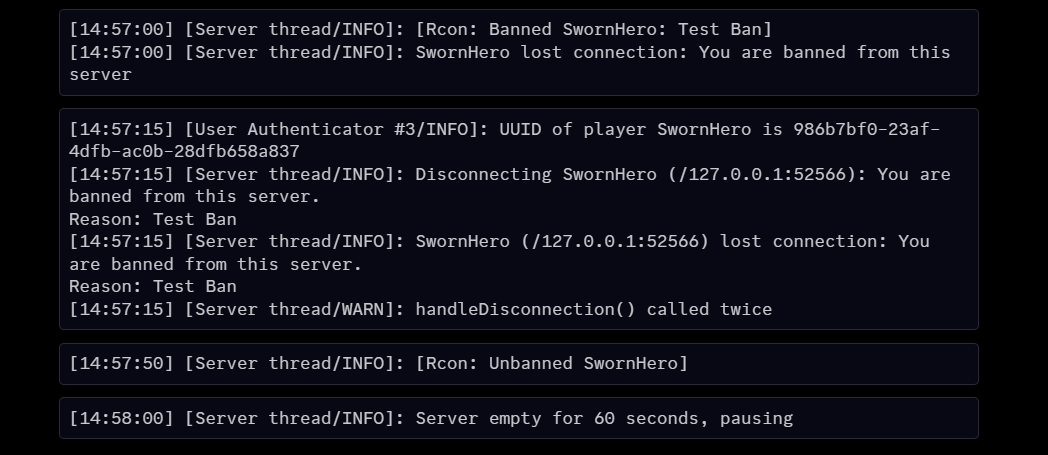
Captures from a live test server running vanilla Java 26.2, separate from the illustrative demo above.
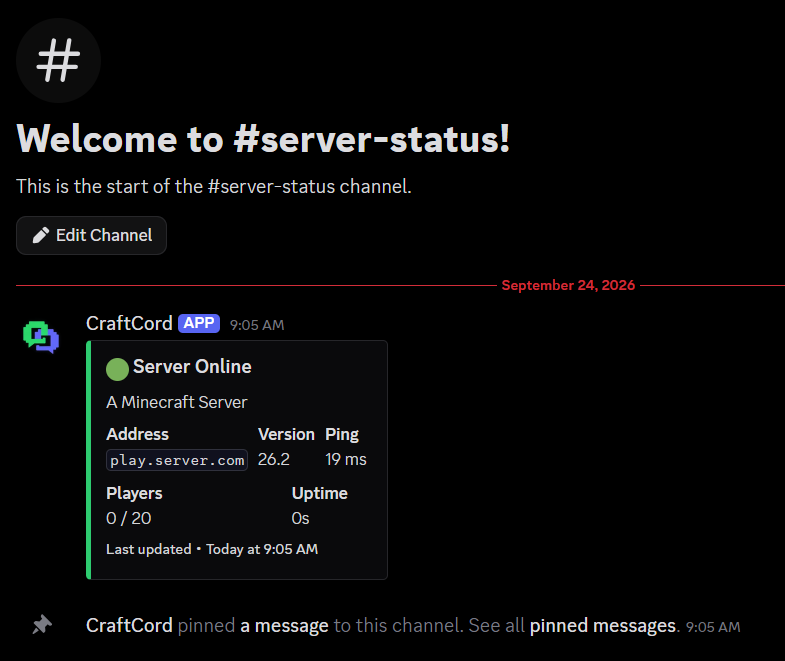


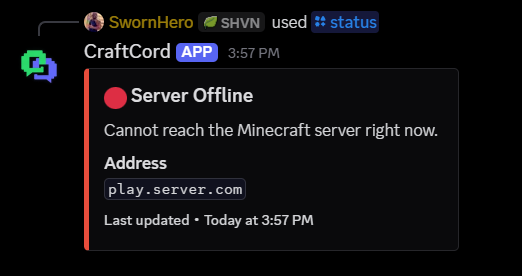
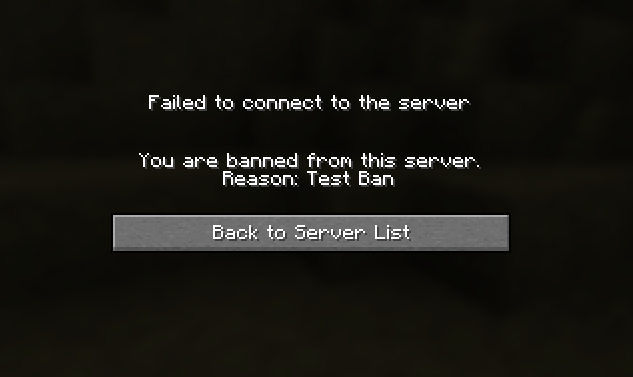
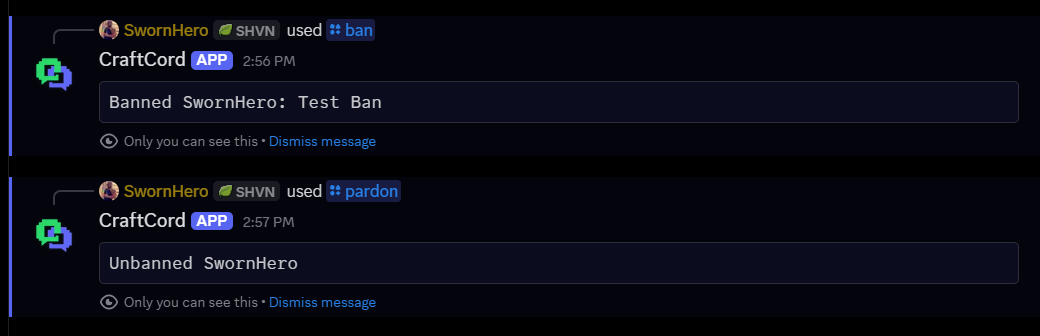
Your machine or the cloud.
CraftCord is self-hosted. Keep it on your PC while you develop, or leave it running on a Discord bot host. This website does not host the bot for you.
The host to use for CraftCord. Python Discord bot plans, a clear panel, and the same stack already used to run Minecraft servers and Discord bots in production. Set the startup command to python main.py. When the Minecraft server is on PebbleHost too, point MC_LOG_PATH at /home/container/logs/latest.log.
Clone the repo, create a virtual environment, fill in .env, and run python main.py. Best while you are setting things up or testing nearby.
Another Python-capable Discord bot host. Upload the project, set your environment variables, and start with python main.py.
Panel-based Discord bot hosting with Python support. Same pattern: upload the files, configure .env, start the process.
Four steps. No central CraftCord service.
The website helps you get oriented. You run the bot on your computer or a host you choose.
Create your Discord bot application
Make an application in the Discord Developer Portal, invite it to one guild, and keep the token in your own .env file.
Connect Minecraft
Give CraftCord RCON access and a local latest.log or compatible Pterodactyl log source to read server activity.
Configure your community
Choose the Discord channels, roles, and server settings in your local configuration.
Run it yourself
Start main.py on your computer or a cloud host such as PebbleHost. The website does not run or host the bot for you.
Know before you connect.
Bring your community together.
Read the setup guide, then make CraftCord yours.